Locations and Visits
A location is a place: somewhere you've been, or somewhere you want to go. Locations are the building blocks of AdventureLog. Everything else, from trips to the world map, is made of them.
What a location holds
Open a location to see its own page, with tabs for an overview, its visits, a map, and its photos and files.


| On a location | What it is |
|---|---|
| Visits | The dates you were there, with notes. Add one for each time you went. |
| Category | One group per location, such as hiking, museums, or restaurants. Create your own with Manage Categories. |
| Tags | Any number of free-form labels, such as the cuisine at a restaurant. |
| Rating | Your own score out of five. |
| Photos | Uploaded from your device, or picked from Immich when that integration is on. |
| Attachments | Files that belong with the location, such as a ticket, a brochure, or a map. |
| Trails | A route linked to the location, either as a link to another site or from Wanderer, which adds distance and elevation. |
| Activities | What you did on a visit, such as a hike or a ride, with time, distance, and a track. Drop in a GPX, FIT, TCX, KML, or KMZ file and AdventureLog fills in the rest, or import from Strava or Endurain. You can still enter one by hand. The same works for a day of a trip. |
Activities from a file
Choose Add activity on a visit, or on a day of a trip, and drop in a recording. AdventureLog reads GPX, FIT, TCX, KML, and KMZ files and fills in the name, sport, start time, distance, moving and total time, elevation gain and loss, speeds, heart rate, and the route on a map with an elevation profile. You review everything, change what you like, and save. Enter manually skips the file.
- Device totals win. A FIT or TCX file, or a Strava or Endurain import, carries the totals the watch itself recorded, such as a barometric altimeter's climb. Those are used as they are. Anything the device didn't report is measured from the track.
- Measured from the track means distance along the ground, elevation with GPS noise filtered out (a climb counts once it passes about 3 m), and moving time without stops. Each value is marked from device or from file on the form.
- Every file is stored as GPX, whatever you uploaded, so the route works the same on maps, exports, and backups. The original FIT or KML file isn't kept.
- A file without timestamps has no times or speeds, and one without altitude has no climb. The form tells you which, and you can type them in.
You can edit a saved activity later, including replacing its file.
Visited or planned
AdventureLog works this out from a location's visits:
- A location with at least one visit in the past is visited.
- A location with no visits, or only visits in the future, is planned.
So to plan ahead, add a visit with a future date. When the day comes, the location becomes visited by itself.
Add Today in the visits menu records a visit for the current day in one click.
Adding a location
Choose Add New Location and search for the location, or drop a marker on the map. AdventureLog looks up the city, region, and country in the background, so the location is saved right away and its region fills in a moment later.
While you type, AdventureLog checks for a location you already have with a similar name, address, or nearby coordinates. If it finds one it asks Did you mean …? and offers to open the existing location instead of creating a duplicate.
Finding locations again
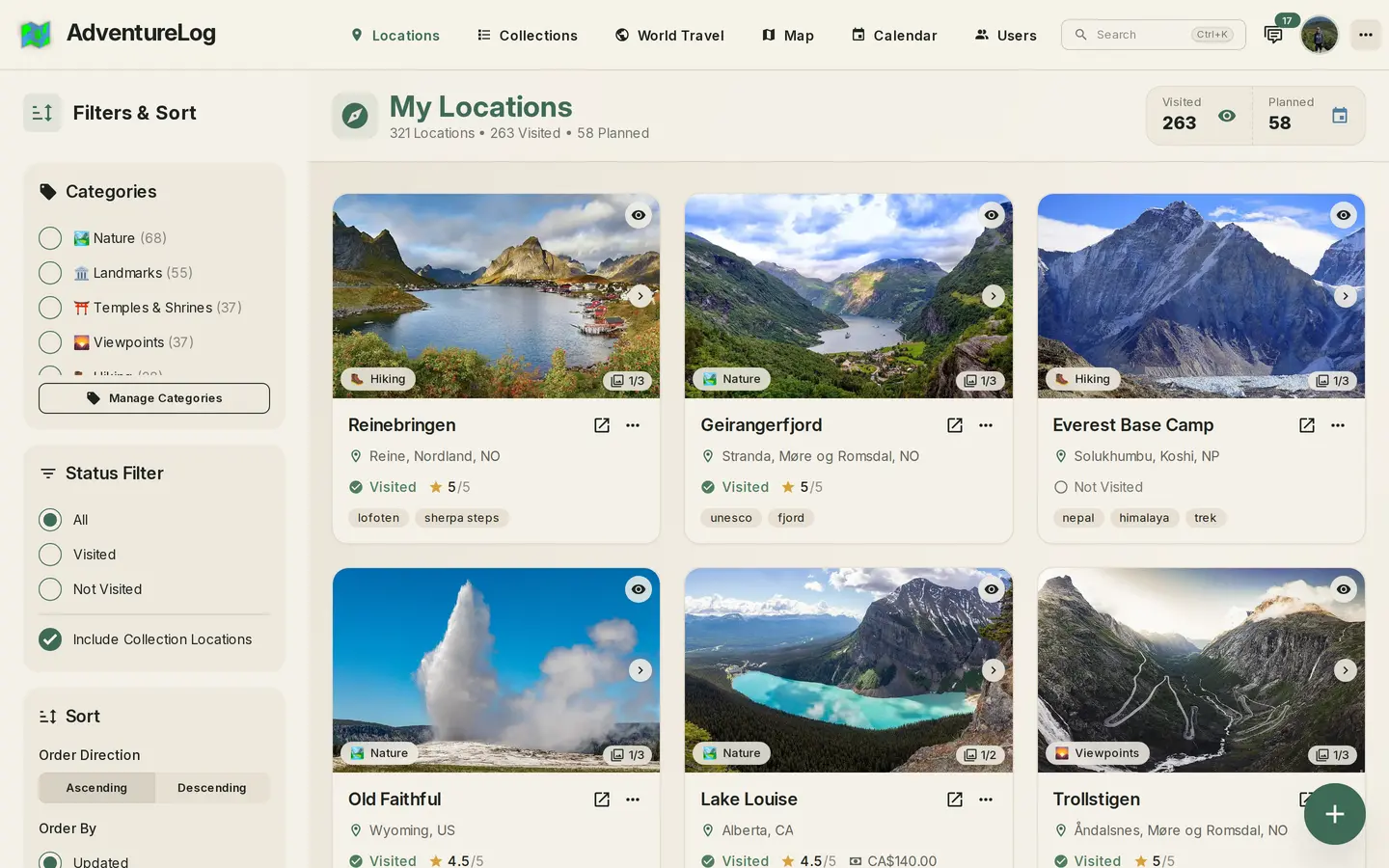
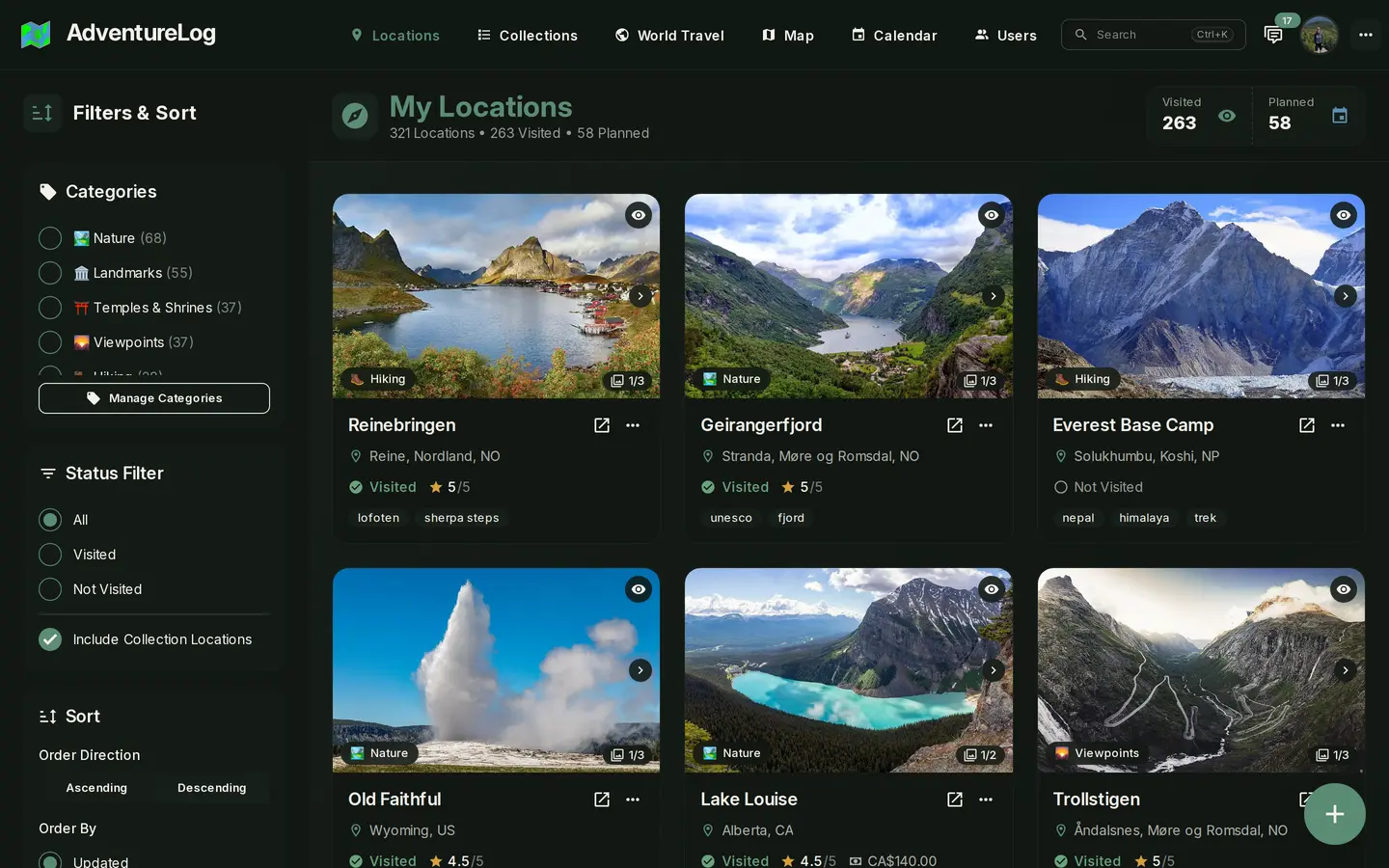
The Locations page lists everything you've saved. The sidebar narrows it down:
- Categories to show one or more groups.
- Status to show visited or not visited locations only.
- Include Collection Locations to also show locations that belong to a trip or folder.
- Sort by name, date, rating, or when a location was last updated.
For a search across everything in your account, use the search box in the top bar.
Sharing a location
A location is private unless you make it public. Public locations can be seen by anyone with the link, and appear on your profile if your profile is visible. See Sharing and Privacy.